HC-06
Frontpage Datalogger HC-06 USB-TO-TTL Micro USB Charger Mini USB Charger
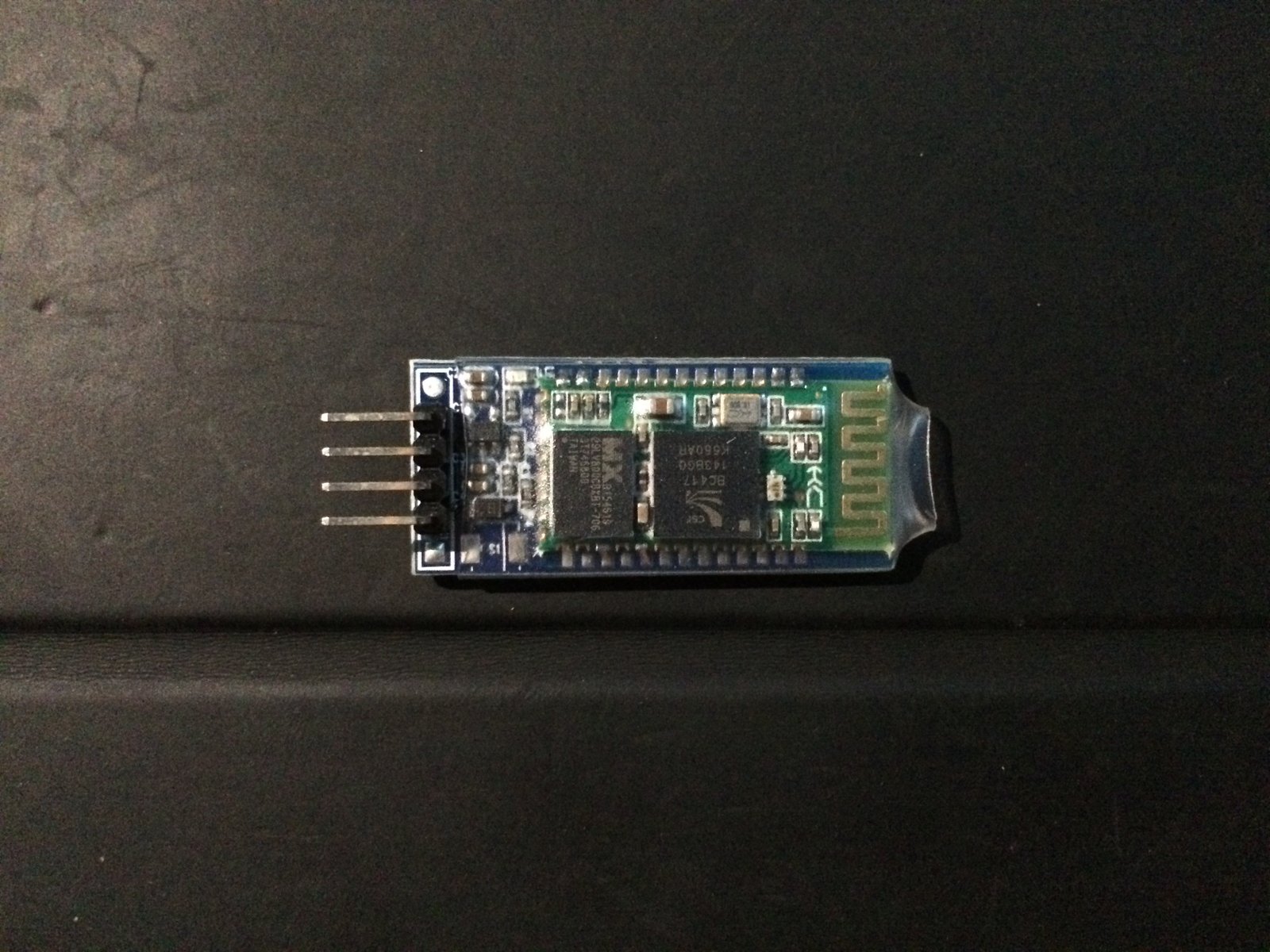
HC-06 Bluetooth module setup
Default:
Slave, 9600 baud rate, N, 8, 1. Pincode 1234
AT command:
1. Communications Test :
Sent : AT
receive : OK
2. Change baud rate :
Sent : AT+BAUD1
receive : OK1200
Sent : AT+BAUD2
receive : OK2400
Baud rate:
1---------1200
2---------2400
3---------4800
4---------9600
5---------19200
6---------38400
7---------57600
8---------115200
9---------230400
A---------460800
B---------921600
C---------1382400
PC can’t support the baud rate lager than 115200.
The solution is: make the MCU have higher baud rate (lager than 115200) through programming,
and reset the baud rate to low level through the AT command.
The baud rate reset by the AT command can be kept for the next time even though the power is cut off.
Baud rate setting can be save even power down.
3. Change Bluetooth device name:
Sent : AT+NAMEdevicename
receive : OKname
(devicename is the name you want the device to be , and it will be searched with this name)
Name setting can be save even power down.
4. Change Pincode:
Sent : AT+PINxxxx
receive : OKsetpin
(xxxx is the pin code you set)
Pin code can be save even power down.
2016 - Oskari Saarinen